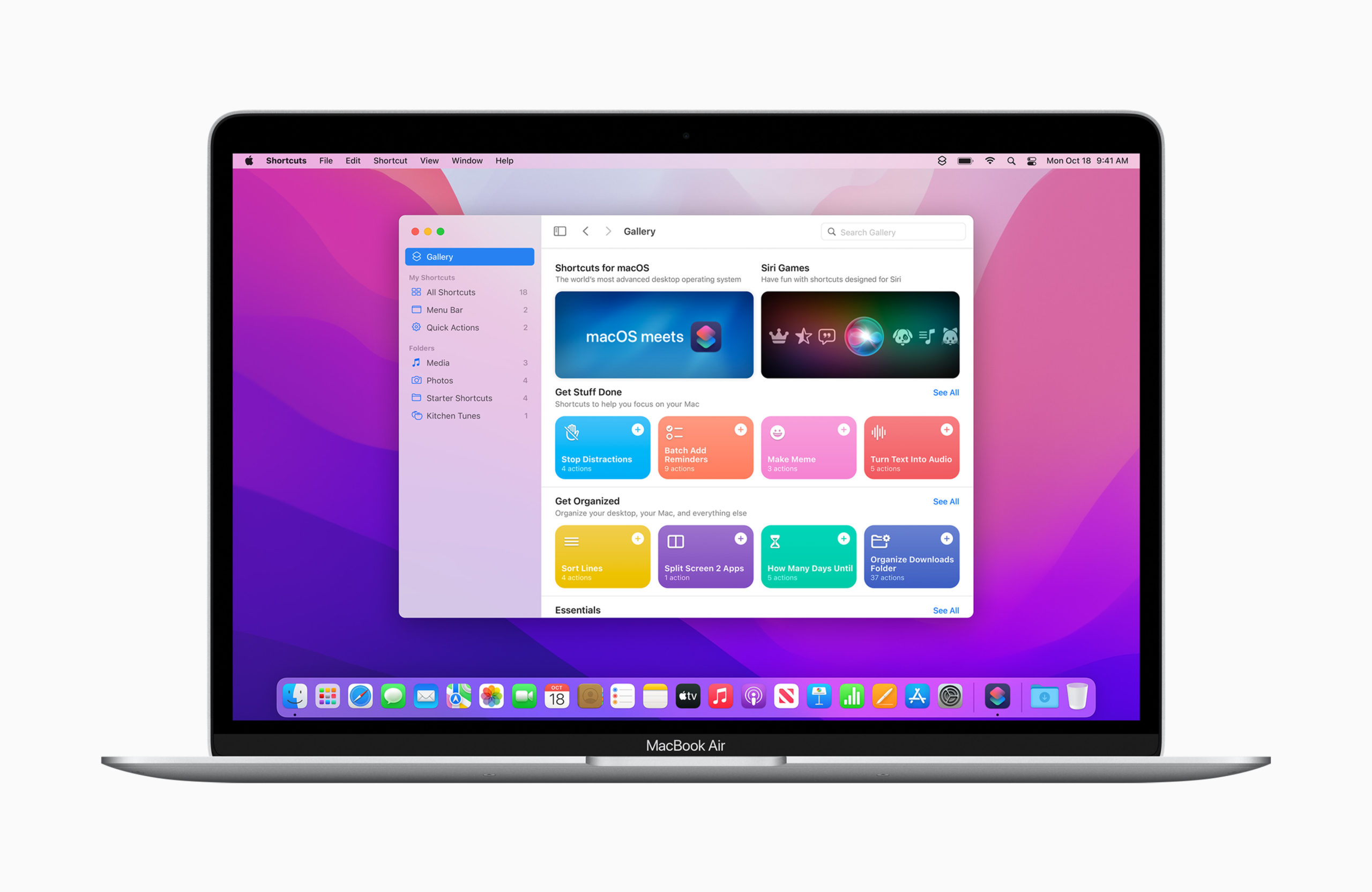
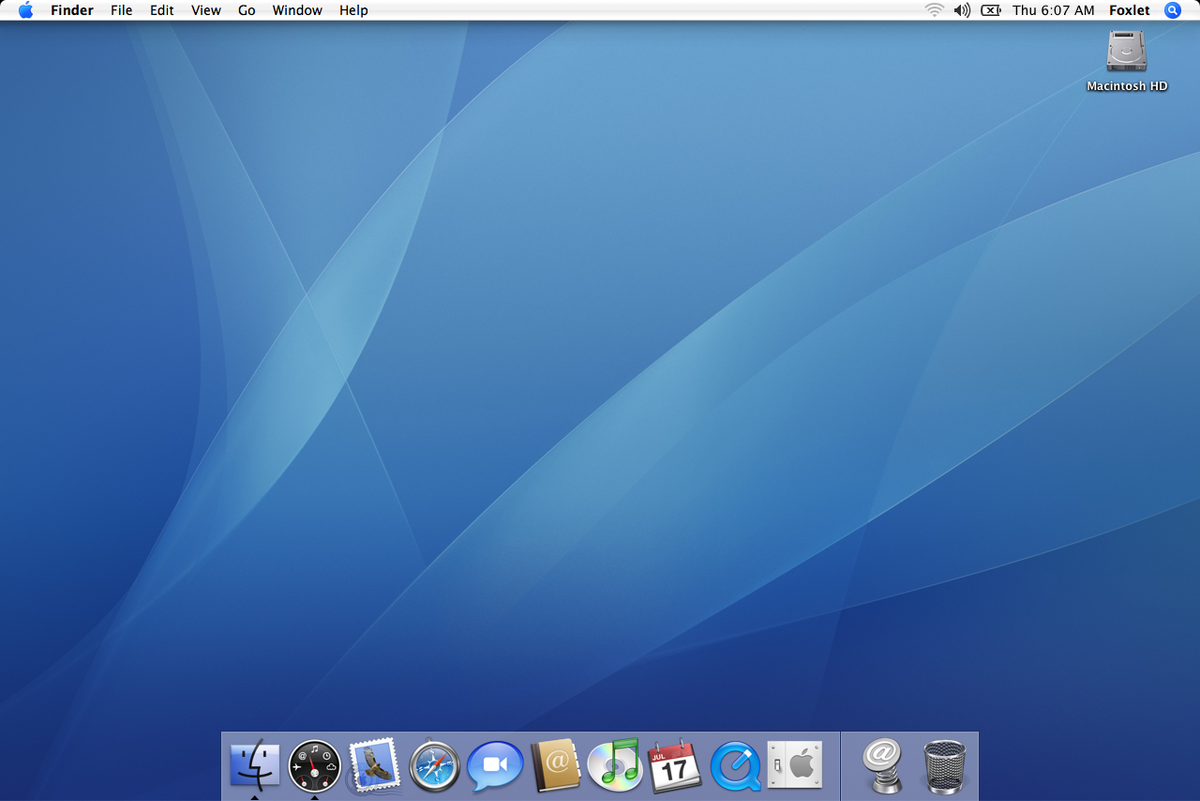
Mac OS X 10.7 Lion, released in 2011, was Apple’s first download-only operating system, marking the beginning of the end for physical media support. Apple removed native VCD playback from QuickTime X, meaning VLC Media Player 2.2.8 is the best solution for playing VCDs on Mac OS X 10.7 through 10.7.5. What You’ll Need 1. …
Read More “Watching VCDs on Mac OS X 10.7 Lion (10.7 – 10.7.5)”
Mac OS X 10.6 Snow Leopard, released in 2009, was the first Mac OS X version to be Intel-only and the last to support Rosetta for PowerPC apps. By this time, Apple had completely removed native VCD playback support from QuickTime X, meaning QuickTime alone can no longer play VCDs. The best solution for watching …
Read More “Watching VCDs on Mac OS X 10.6 Snow Leopard”
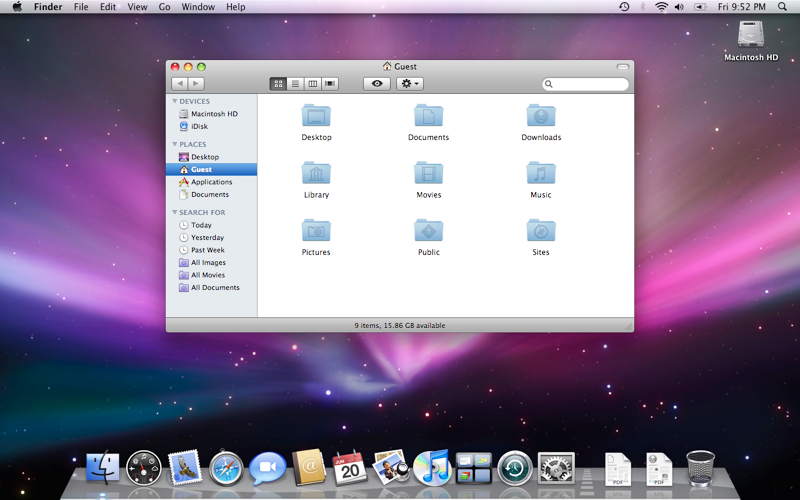
Mac OS X 10.5 Leopard, released in 2007, was the last version of Mac OS X to support PowerPC Macs and the first to fully support Intel-based Macs. By this time, Apple had removed native support for VCD playback from QuickTime, making third-party software essential for watching VCDs. The best solution for playing VCDs on …
Read More “Watching VCDs on Mac OS X 10.5 Leopard”
Mac OS X (10.0 Cheetah – 10.4 Tiger) was Apple’s transition from Classic Mac OS to a modern Unix-based system. While VCD playback was still possible, Apple gradually phased out native support in favor of DVD playback. If you’re looking to watch VCDs on Mac OS X 10.0, 10.1, 10.2, 10.3, or 10.4, we at …
Read More “Watching VCDs on Mac OS X (10.0 Cheetah, 10.1 Puma, 10.2 Jaguar, 10.3 Panther, 10.4 Tiger)”
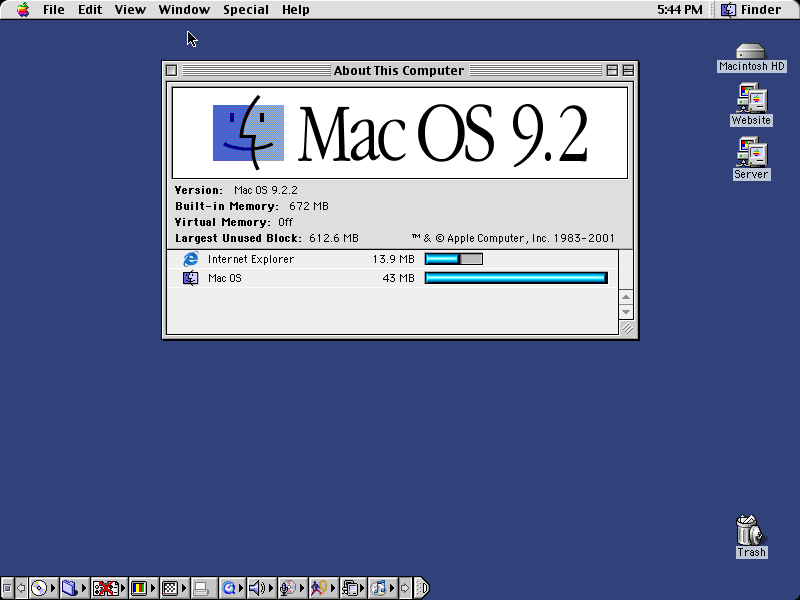
Mac OS 9, often called “Mac OS 9: The Last Great One”, was the final version of Classic Mac OS before Apple’s transition to Mac OS X. It featured improved media playback, making it one of the best versions for watching Video CDs (VCDs) natively. VCDs were a popular pre-DVD video format, offering digital movies …
Read More “Watching VCDs on Mac OS 9 (All Versions: 9.0 – 9.2.2)”
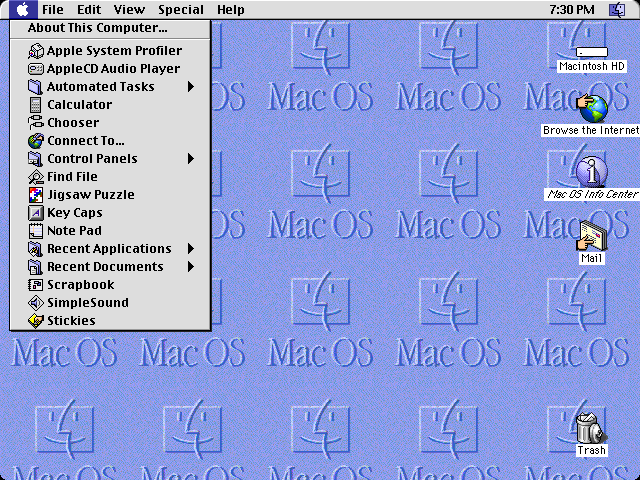
Mac OS 8.6, affectionately known as “Mac OS 8 Six Point Oh”, was the final significant update before Mac OS 9. It introduced improved memory management and enhanced support for QuickTime, making it one of the best versions of “Classic Mac OS” for playing Video CDs (VCDs). VCDs were a popular optical disc format in …
Read More “Watching VCDs on Mac OS 8.6 (a.k.a. “Mac OS 8 Six Point Oh”)”
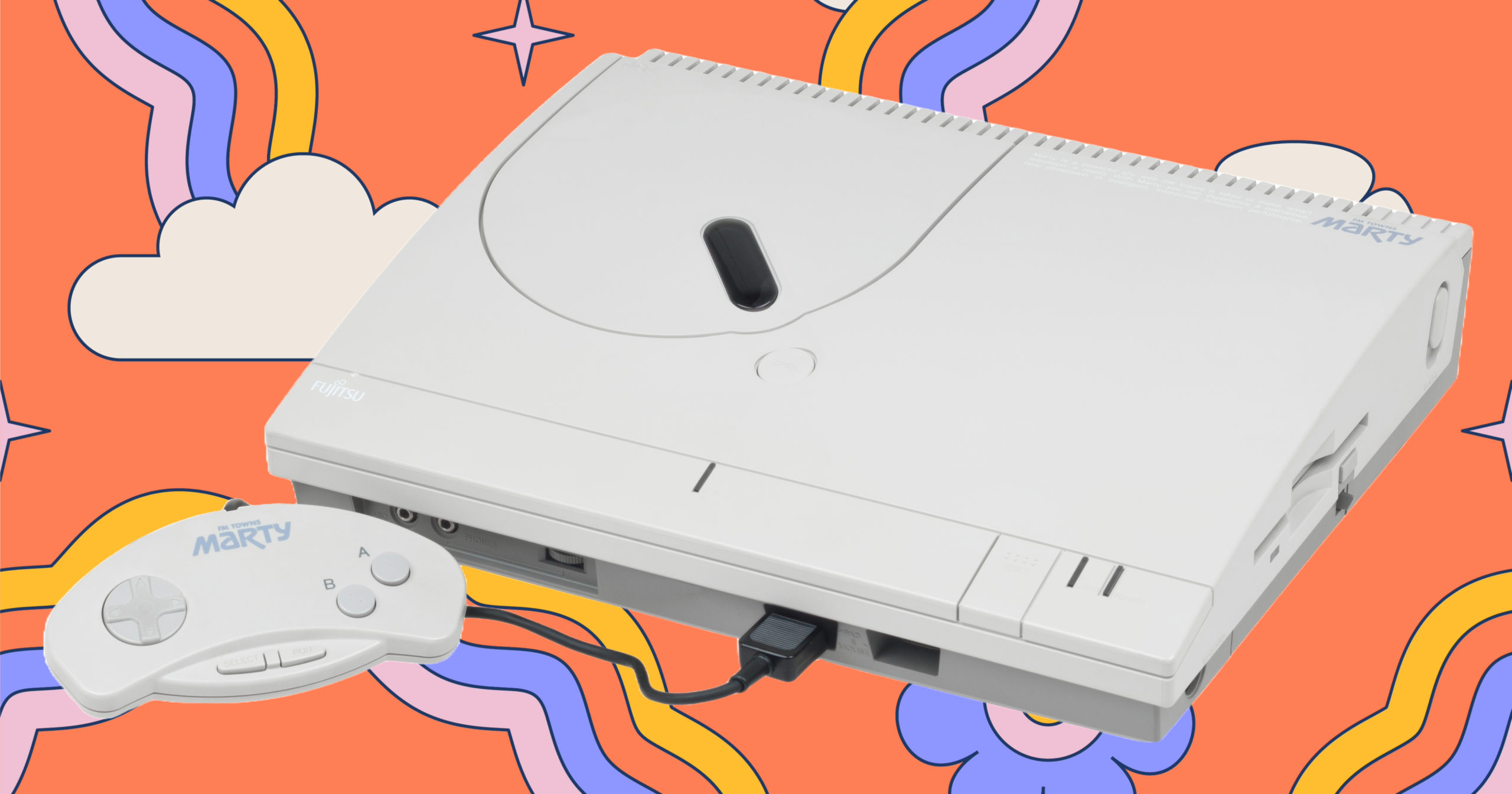
he FM Towns Marty, released in 1993 by Fujitsu, was the world’s first 32-bit home gaming console. Built as a console version of the FM Towns computer, the Marty was unique in that it natively supported Video CD (VCD) playback without requiring any additional modifications. This made it one of the earliest gaming systems capable …
Read More “Watching VCDs on the FM Towns Marty”
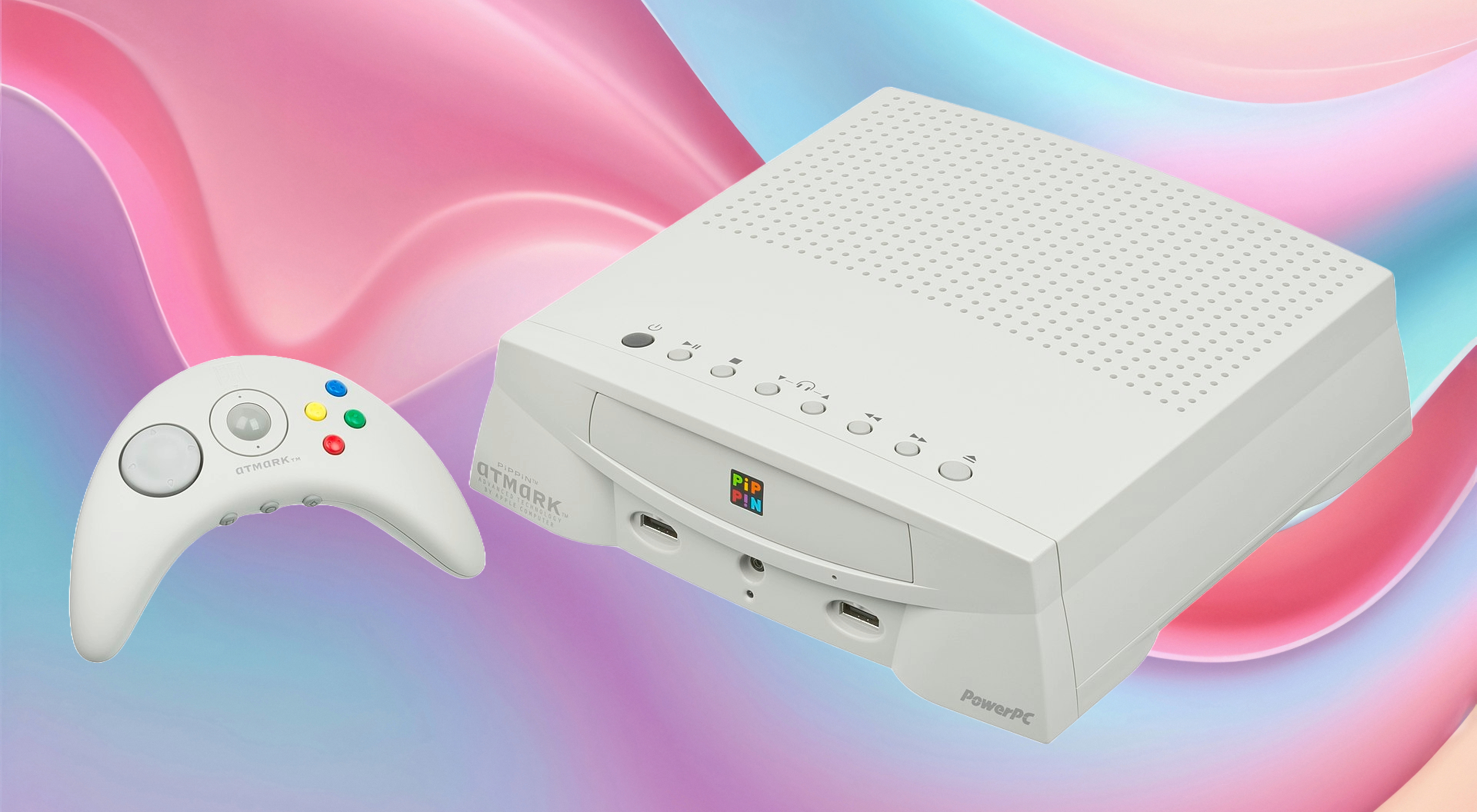
The Bandai Pippin, released in 1996, was a unique multimedia gaming console and personal computer hybrid, developed in partnership between Bandai and Apple. While primarily designed for educational software, internet access, and interactive media, the Pippin could also support Video CD (VCD) playback with the help of a VCD expansion module. This feature transformed the …
Read More “Watching VCDs on the Bandai Pippin”
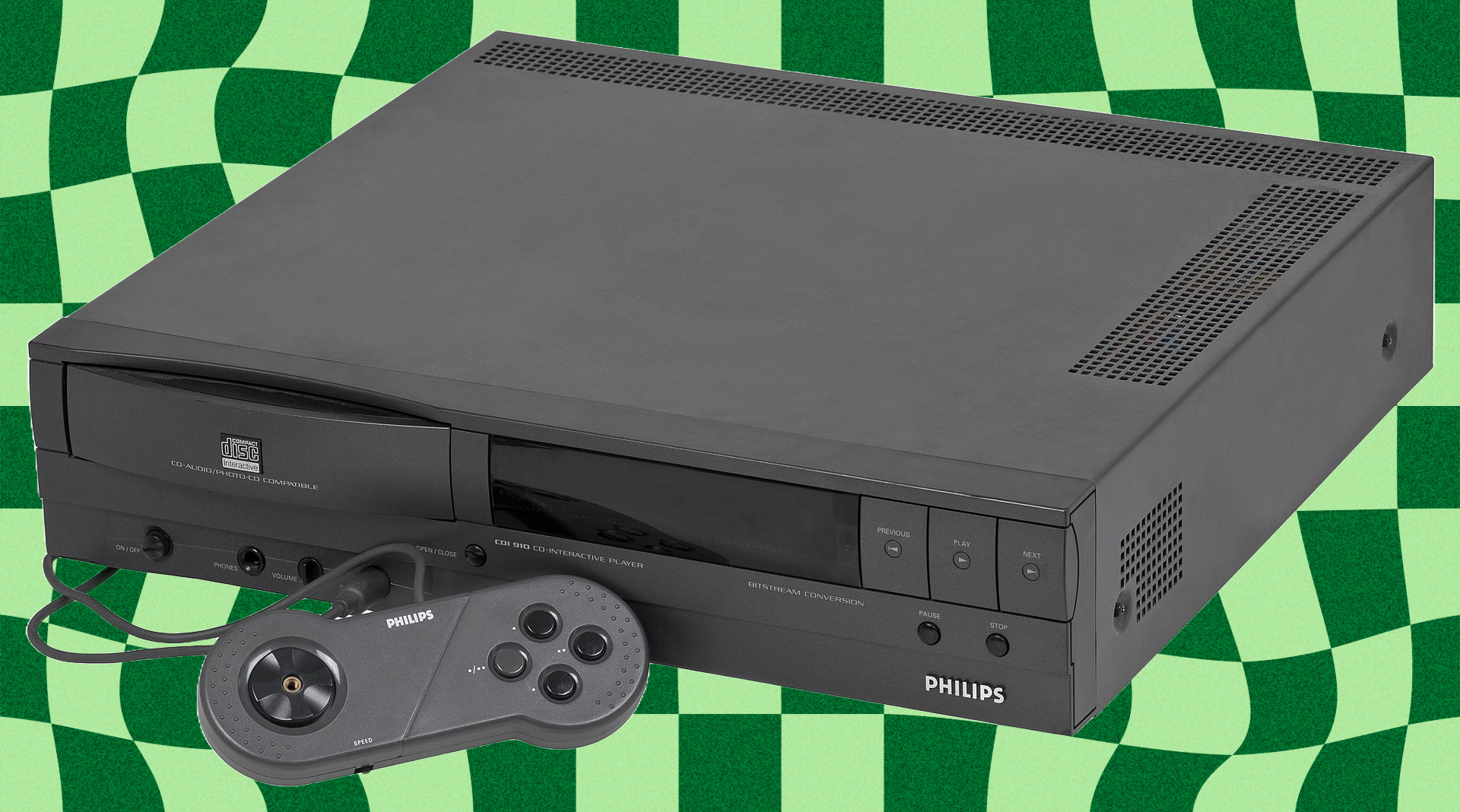
The Philips CD-i (Compact Disc Interactive), released in 1991, was one of the earliest attempts at a multimedia entertainment system, blending gaming, education, and home video playback. Unlike most game consoles of the era, the Philips CD-i had built-in Video CD (VCD) support on later models and could be upgraded with an official Digital Video …
Read More “Watching VCDs on the Philips CD-i”